🏠 Day 2 — Practical: Create a Home Page
🔎 Quick Preview
👉 Your page will look like this:
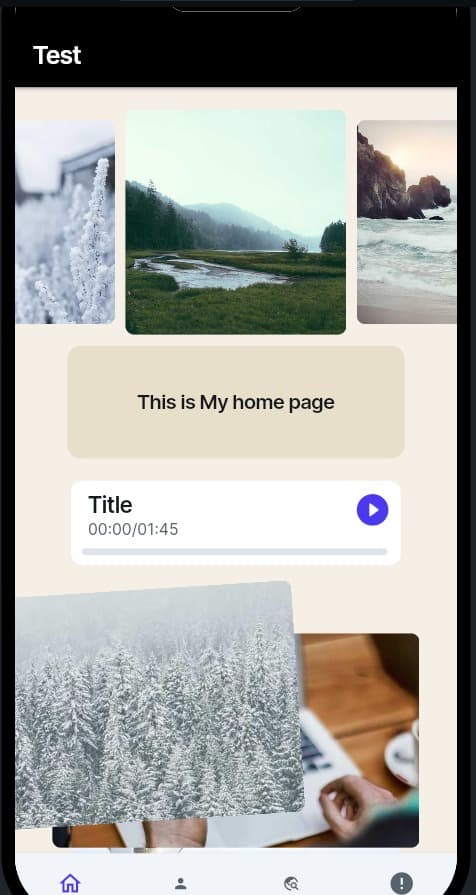
🧭 What is a Navbar?
In apps, a Navigation Bar (Navbar) is how you move between pages.
- It can be at the top (like in websites) or at the bottom (common in mobile apps).
- The navbar usually has icons or buttons such as:
- 🏠 Home
- 🔍 Search
- 🎵 Music
- ⚙️ Settings
Think of the navbar like a map — it helps users move around your app without getting lost.
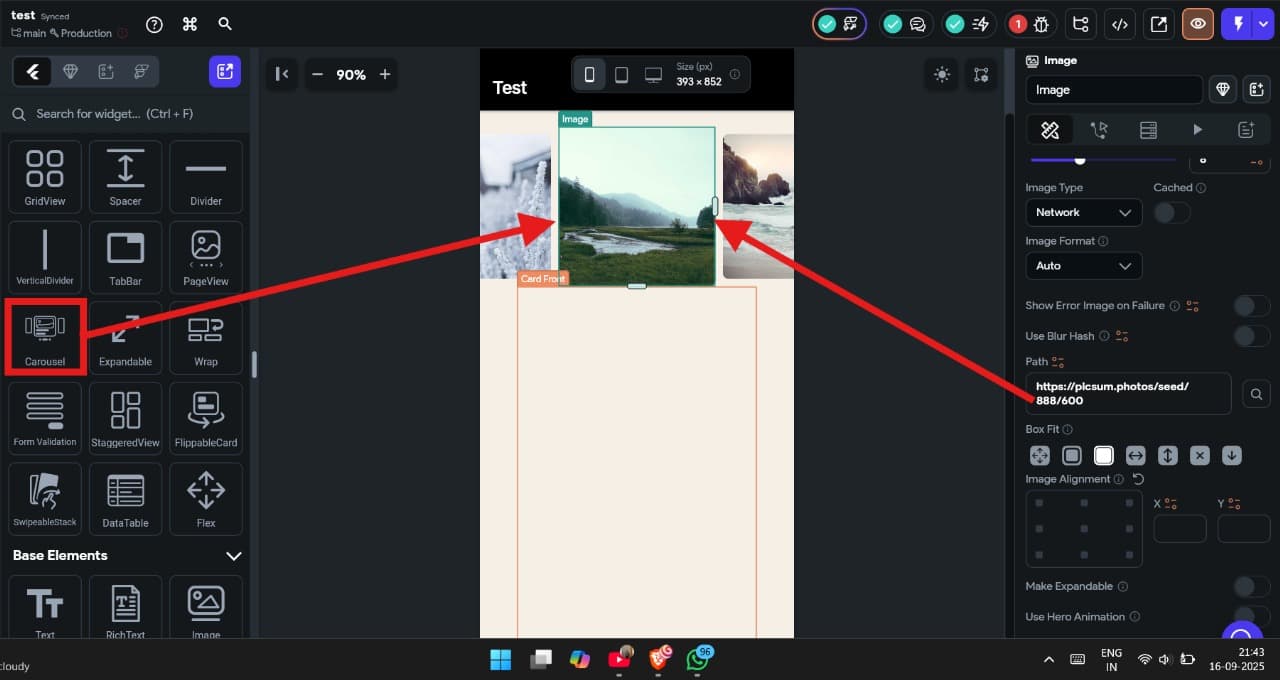
Add Carousel
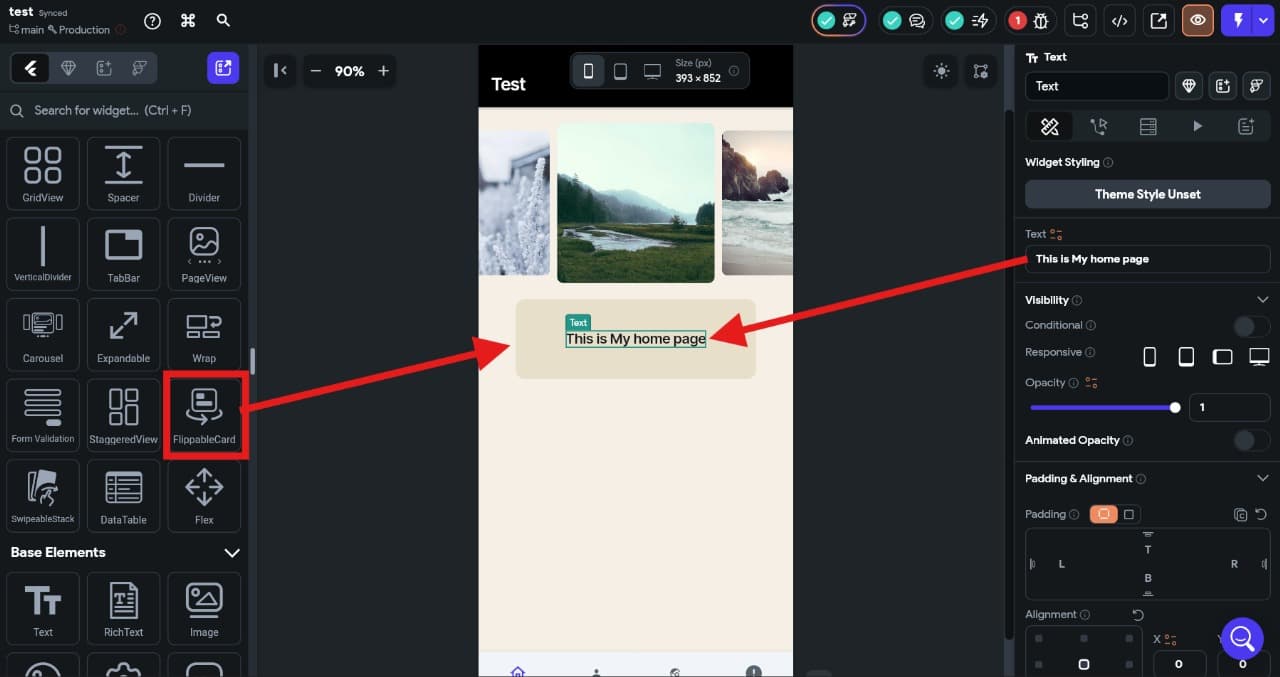
Add Flip Card
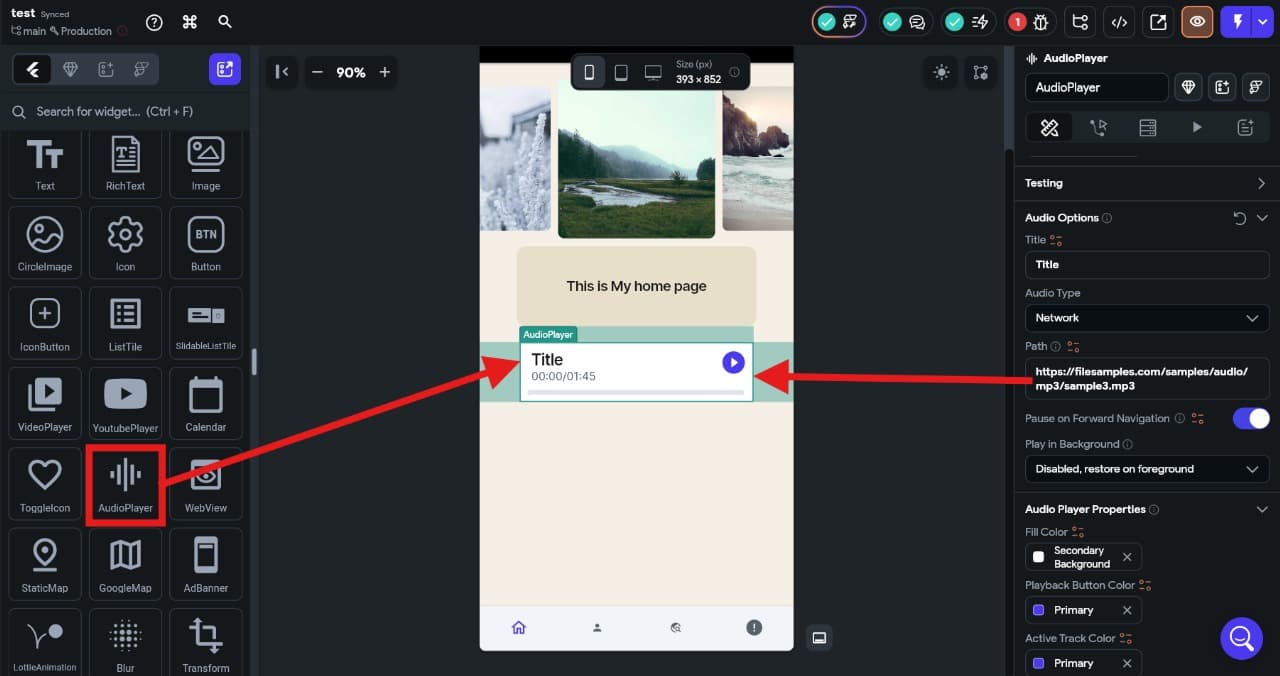
Add Music Player
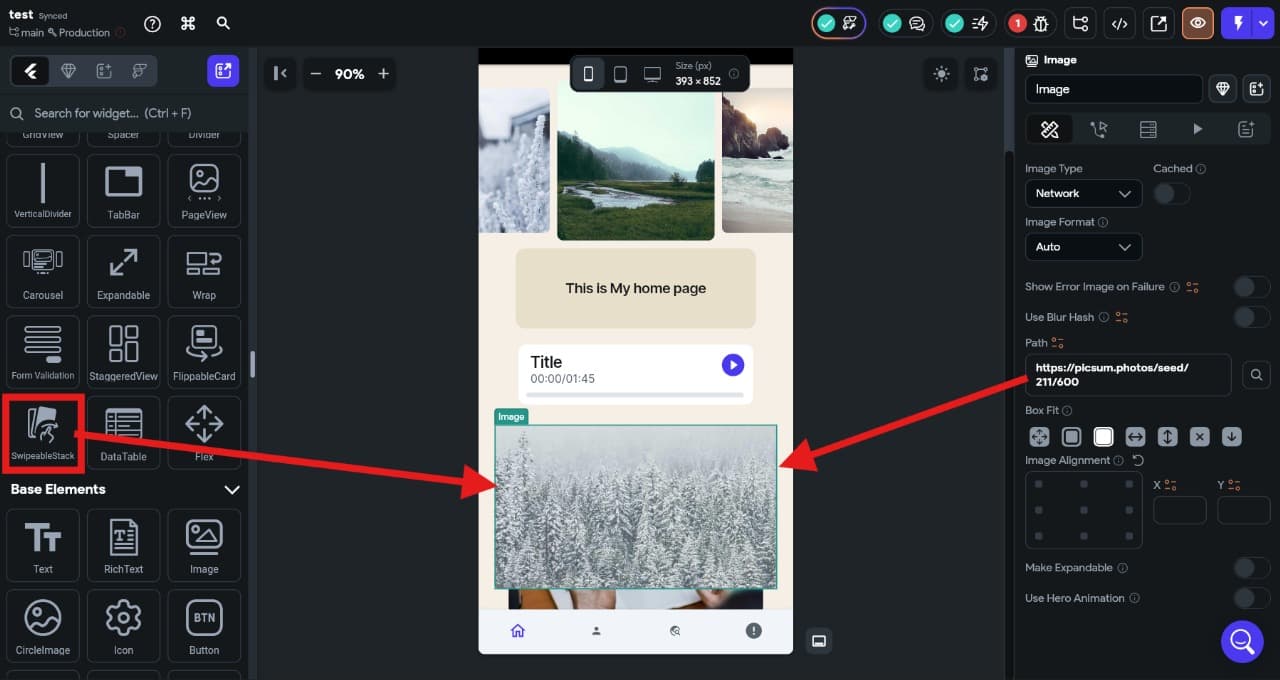
Add Image Player
Download MP3 from YouTube
Follow these steps to get background music for your Music Player:
- Find a YouTube video with the music you like.
- Copy the video link (URL).
- Example:
https://www.youtube.com/watch?v=abcd1234
- Example:
- Go to a YouTube-to-MP3 converter website (e.g., y2mate.com (opens in a new tab) or ytmp3.cc (opens in a new tab)).
- Paste the link into the search box.
- Choose MP3 format and click Download.
- Once downloaded, upload the MP3 into FlutterFlow:
- Go to Assets → Audio → Upload File.
- Now you can use this MP3 file inside your Music Player widget.